Hi there everybody and welcome to another photoshop tutorial from you brand new photographer.
Ahemm, so ¿what are the photoshop actions? Well, they’re a series of recorded steps to help us achieve a look without having to manually apply each process.
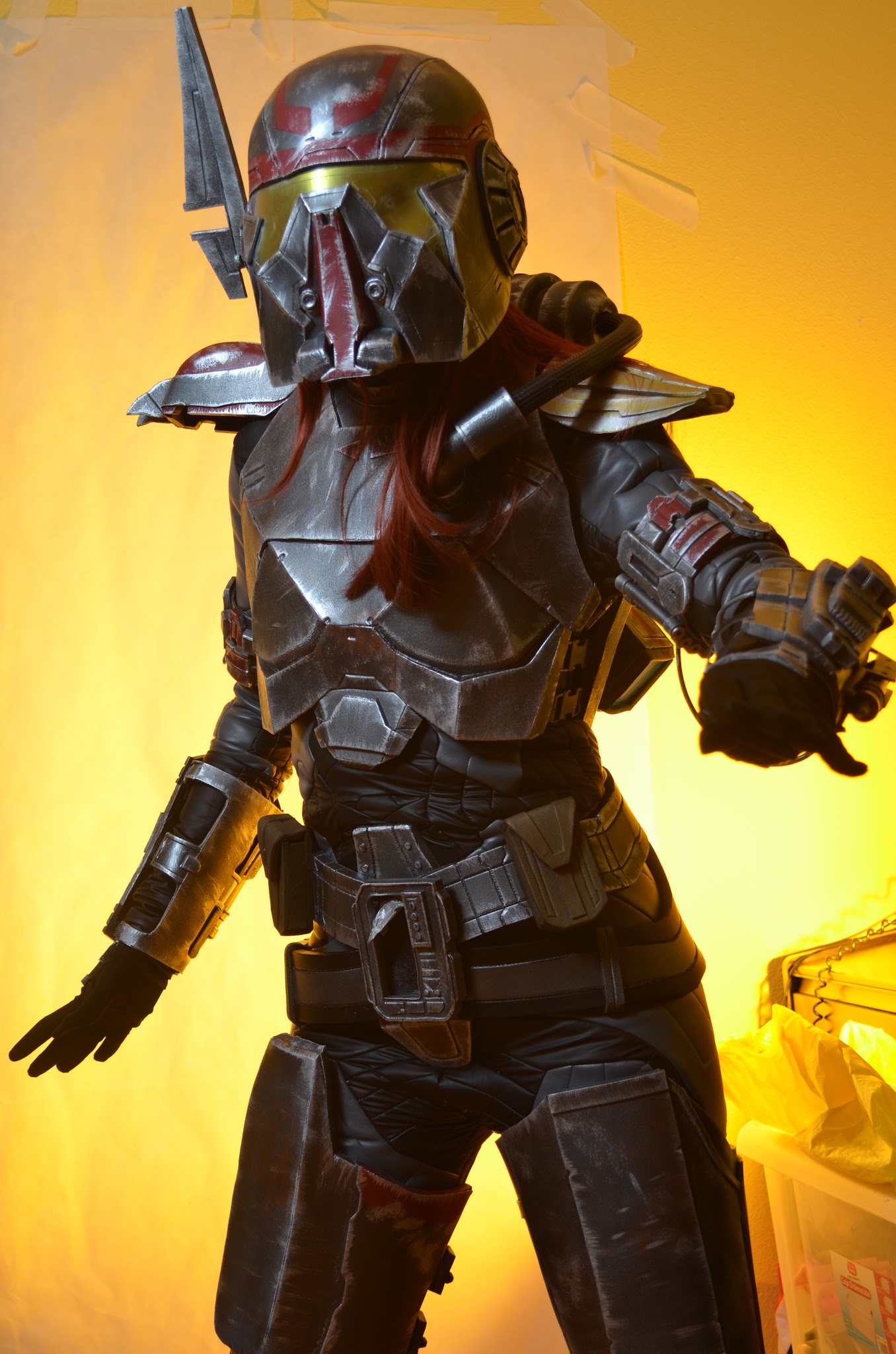 |
| Original picture |
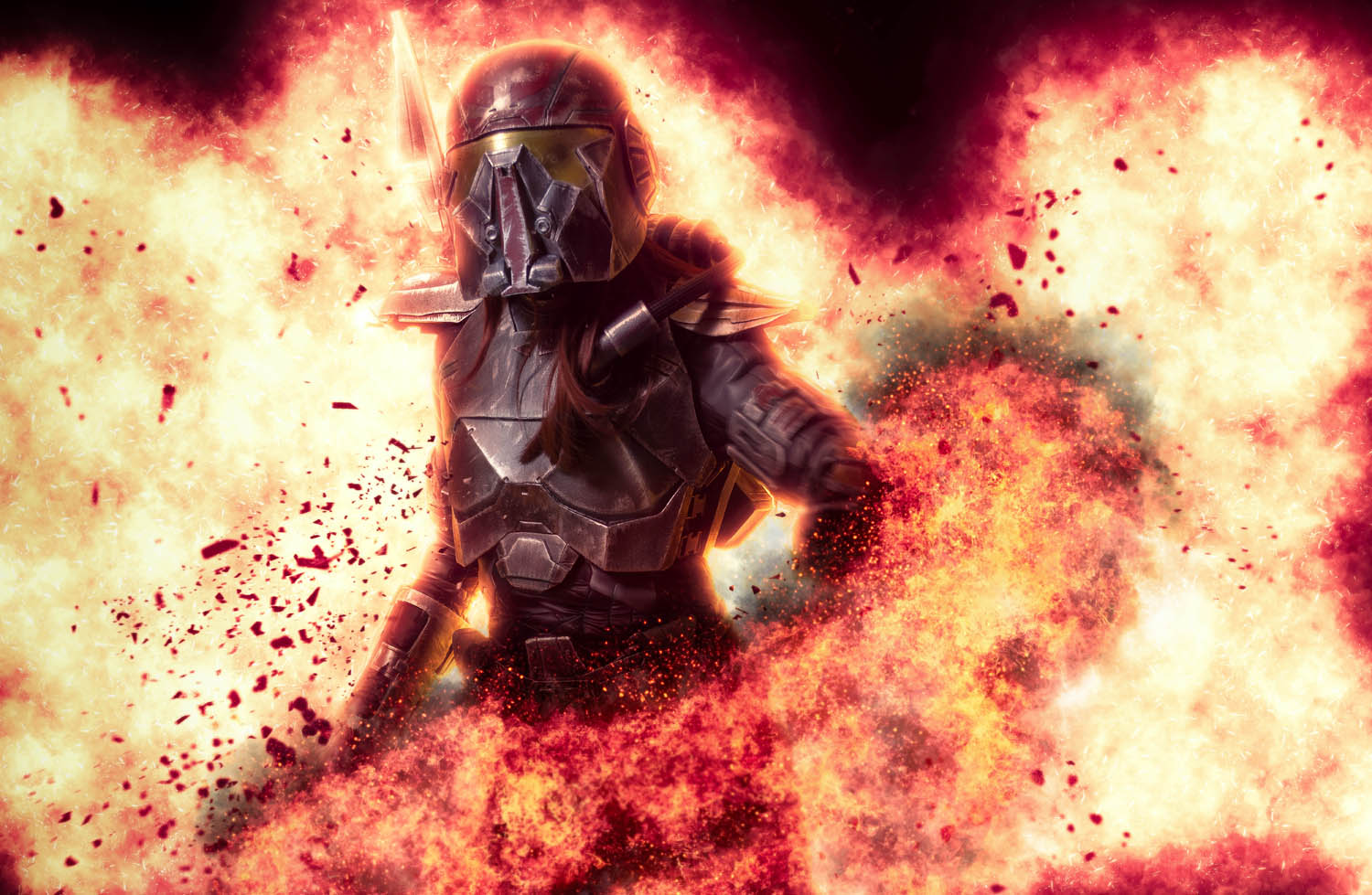 |
| Edited with these actions. 1 and 2. |
For example, to turn a daylight picture into a night one, we have to create several layers, copy the image, make a sky selection, change the tonality of the scene, overexpose some elements from one layer to another and blablablablabla. Well, all these steps are included in an action saving us the time and effort to get a cool effect. From instagram filter actions to super cool and amazing effects.
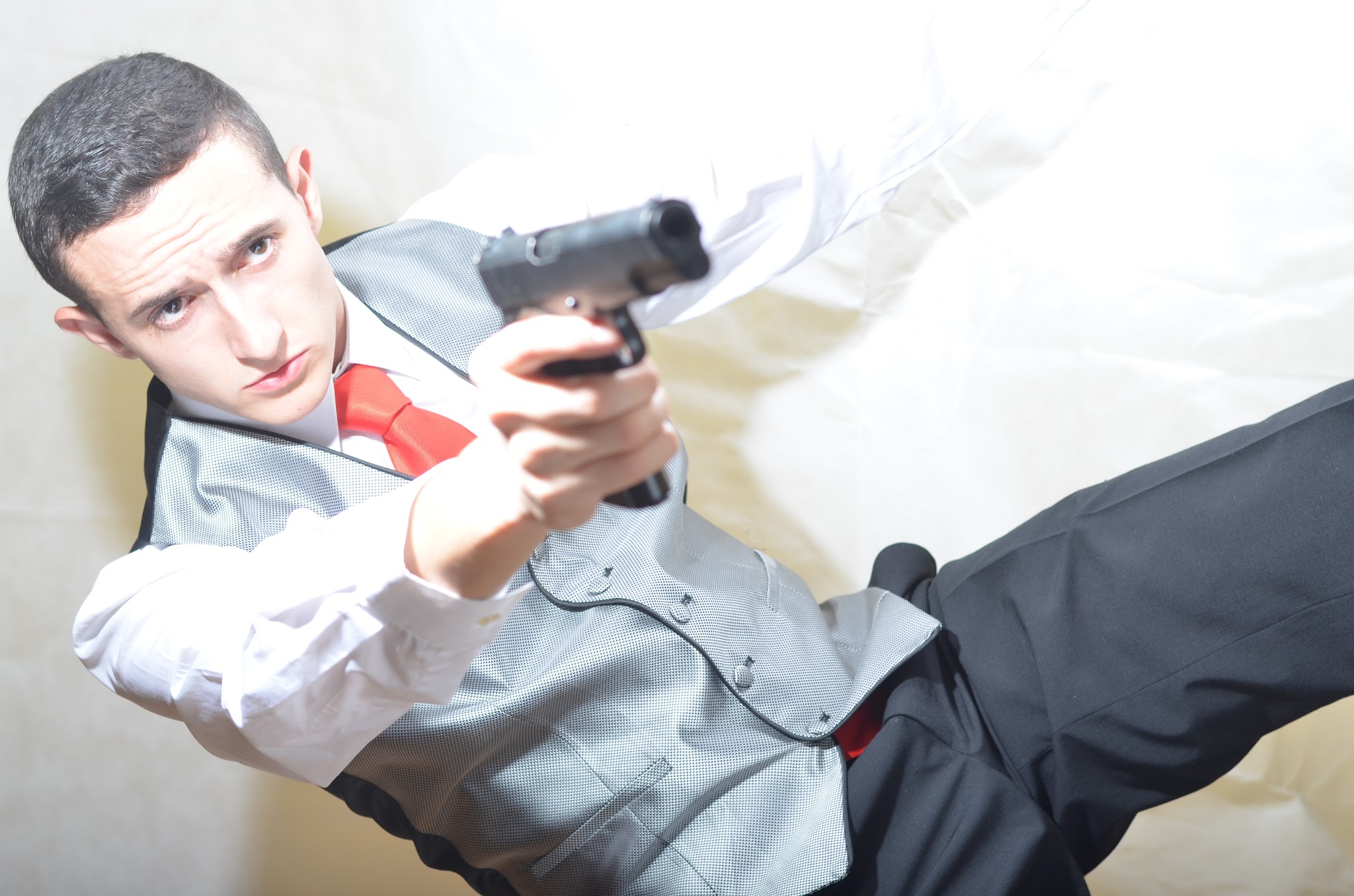 |
| Original shot. |
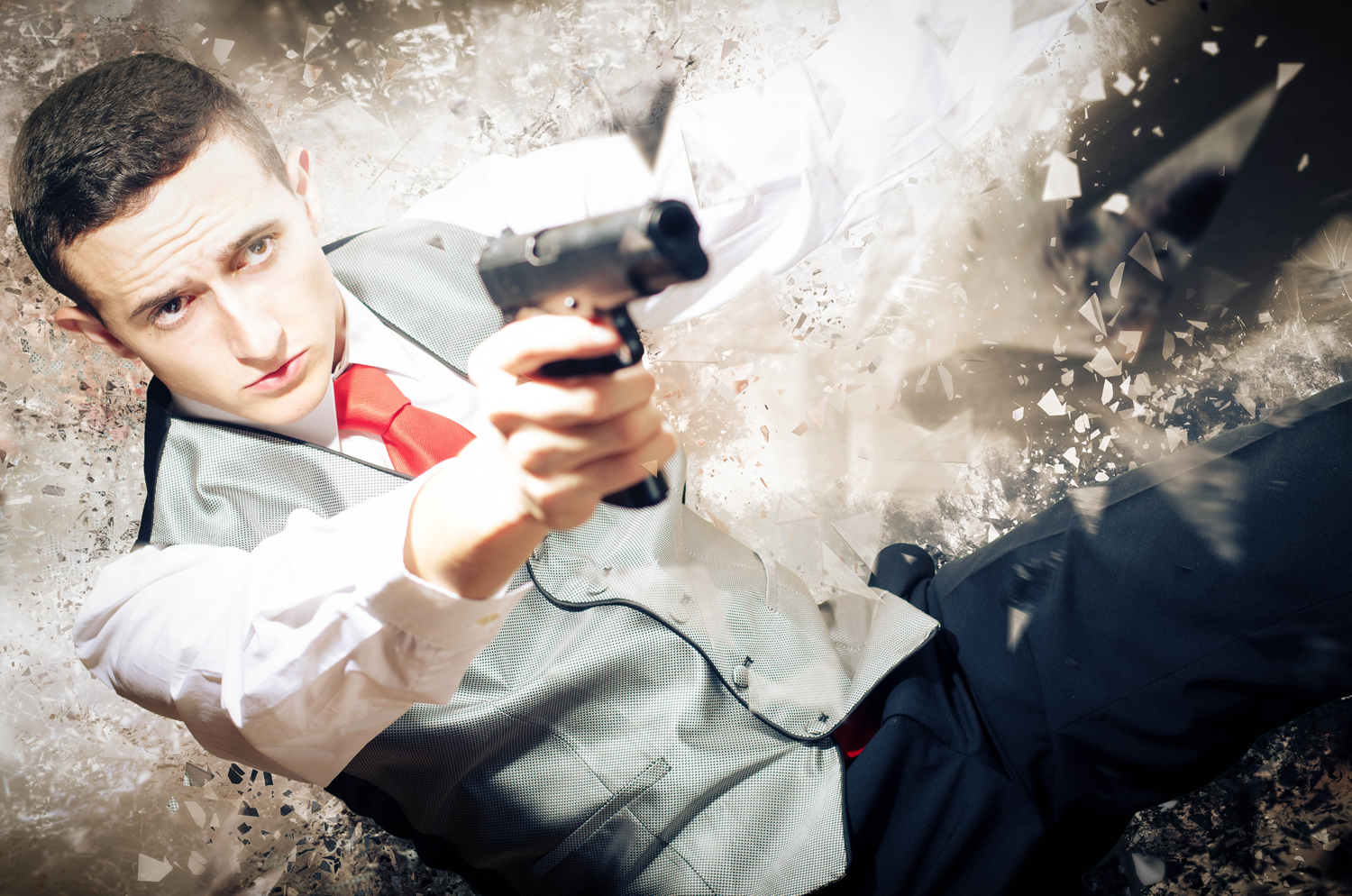 |
| Edited with this action. |
Just for our joy, there are lots of free actions on the internet. There are also professional photographers that sell their own sets of actions. It’s a really interesting resource for not advanced Photoshop users. They make it easier to get good results. And I’ve recently known about this page where you can find lots of super cool actions that I used to edit the pictures you see in this post.
To install the action, we just have to download it, unzip the folder and save the ATN archive.
To use them, we have to click in the ►>load action and it will appear in the action menú ready to be used. To use it you have to
choose it from the list and push the “play” button below in the actions window.
Hope you find it useful!